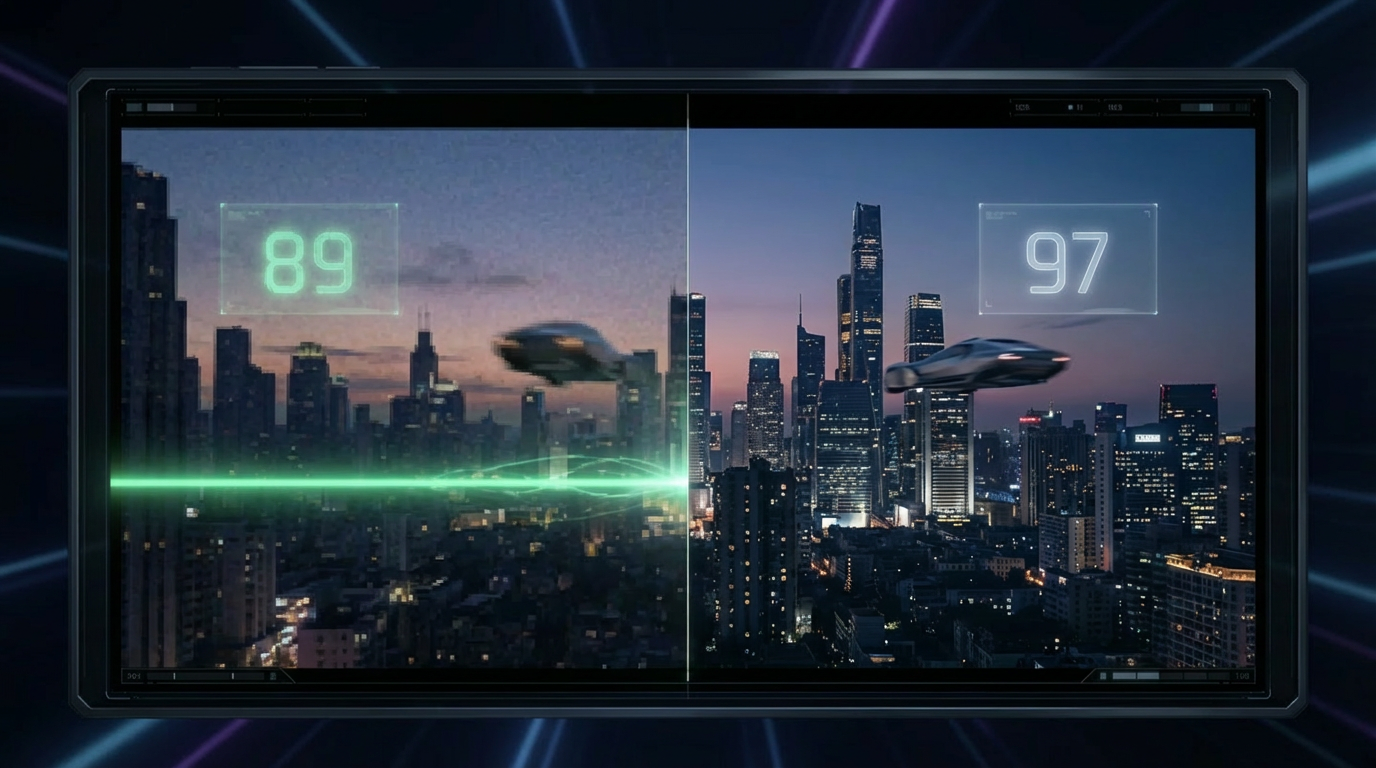
VMAF Explained: The Perceptual Quality Metric Your Encoding Pipeline Needs
VMAF is the perceptual quality metric Netflix uses to measure video quality. Here's how it works, what scores mean, and why your encoding pipeline needs it.
You encoded a video at 4 Mbps. Is it good quality? The honest answer is: you have no idea. A talking-head interview might look pristine at 4 Mbps. A fast-paced action sequence at the same bitrate could be an unwatchable mess of blocking artifacts. Bitrate tells you how many bits you spent, not what you got for them.
This is the fundamental problem that VMAF solves. Instead of measuring how much data you used, it measures how good the result actually looks — from a human viewer’s perspective.
The problem with bitrate
For years, the video industry used bitrate as a proxy for quality. The logic was straightforward: higher bitrate means more data, which means better quality. Encoders would target a fixed bitrate — say 5 Mbps for 1080p — and call it a day.
This approach fails because video content varies enormously in complexity:
| Content type | Complexity | Quality at 4 Mbps (H.264) |
|---|---|---|
| Static lecture slides with voiceover | Very low | Excellent — nearly lossless |
| Interview with minimal movement | Low | Very good |
| Drama with moderate scene changes | Medium | Good |
| Live sports with fast camera pans | High | Noticeable artifacts |
| Action film with explosions and debris | Very high | Visibly degraded |
A nature documentary with slow, sweeping landscape shots might look stunning at 3 Mbps. A Formula 1 race with rapid motion, tire spray, and crowds could need 10 Mbps to reach the same perceived quality. Bitrate alone cannot capture this relationship.
The industry needed a metric that answers a different question: not “how much data did we use?” but “how does this actually look to a human viewer?”
What is VMAF?
Video Multi-Method Assessment Fusion (VMAF) is a perceptual video quality metric developed by Netflix in collaboration with the University of Southern California. First released in 2016, it produces a score from 0 to 100 that predicts how a human viewer would rate the quality of a compressed video compared to its uncompressed source.
The key insight behind VMAF is in the name: fusion. Rather than relying on a single quality measurement approach, VMAF combines multiple elementary metrics using a machine learning model trained on thousands of human quality ratings. The component metrics include:
- Visual Information Fidelity (VIF) — measures information loss at multiple spatial scales, capturing detail degradation
- Detail Loss Metric (DLM) — quantifies the loss of fine detail and texture
- Motion — accounts for temporal masking, where the human visual system is less sensitive to artifacts during high motion
These individual signals feed into a support vector machine (SVM) regression model that was trained on a dataset of over 10,000 subjective quality ratings from human viewers. The model learned how humans weight different types of degradation, producing a single score that correlates strongly with actual perceived quality.
The result is a metric that behaves the way humans do: it penalizes blocking artifacts harshly (because humans notice them immediately), tolerates minor detail loss in high-motion sequences (because human eyes naturally blur fast movement), and accurately reflects quality across different content types.
VMAF vs PSNR vs SSIM
VMAF is not the first attempt at objective video quality measurement. Two older metrics — PSNR and SSIM — have been used for decades. Here is how they compare:
| Metric | What it measures | Correlation with human perception | Computation speed | Best use case |
|---|---|---|---|---|
| PSNR (Peak Signal-to-Noise Ratio) | Pixel-level error magnitude | Low — treats all errors equally regardless of visibility | Very fast | Quick sanity checks, codec development benchmarks |
| SSIM (Structural Similarity Index) | Structural pattern similarity | Moderate — captures structure but misses temporal effects | Fast | Frame-level comparisons, still image quality |
| VMAF | Predicted human perception | High — trained on human ratings, accounts for motion and viewing conditions | Slower (but GPU-acceleratable) | Production quality control, encoding optimization, ABR ladder design |
PSNR is essentially a mathematical error measurement. It computes the mean squared error between original and compressed frames, then converts it to a logarithmic scale. The problem is that PSNR treats every pixel error the same way — a barely visible shift in a dark shadow region counts the same as an obvious blocking artifact in the center of a face. Humans do not perceive errors this way.
SSIM improved on PSNR by comparing structural patterns rather than raw pixel values. It captures luminance, contrast, and structural similarity, producing scores that better match human judgment for individual frames. However, SSIM operates frame-by-frame and does not account for temporal effects — it cannot model how motion affects perceived quality.
VMAF combines the strengths of multiple approaches and adds temporal awareness. Its correlation with human subjective quality scores consistently exceeds 0.92 in independent studies, compared to roughly 0.70 for PSNR and 0.80 for SSIM. For production encoding decisions where quality accuracy matters, VMAF is the clear choice.
What VMAF scores mean in practice
VMAF scores run from 0 to 100, but not all parts of the scale are equally useful. Here is what different score ranges mean for real-world streaming:
VMAF 85-90: Acceptable quality
This range is suitable for mobile viewing on cellular connections, video previews, thumbnail generation, and low-priority background content. At VMAF 85, trained eyes can spot compression artifacts on a large display, but most viewers watching on a phone screen will not notice degradation. This is the sweet spot for platforms that need to minimize bandwidth costs while maintaining a reasonable viewing experience.
VMAF 93-95: Recommended for general streaming
This is the target range for most streaming services. At VMAF 93, the compressed video is indistinguishable from the source on the vast majority of consumer displays — phones, tablets, laptops, and most televisions. The quality-to-bitrate ratio is highly efficient here. Pushing beyond VMAF 95 for general distribution yields diminishing returns: the quality improvement becomes imperceptible to most viewers, but the bitrate cost increases substantially.
VMAF 97-99: Broadcast and archival grade
This range targets broadcast television, professional mastering, archival storage, and premium OTT tiers where quality differentiation is a selling point. At VMAF 97+, even side-by-side comparison with the source on a calibrated reference monitor reveals virtually no difference. The bitrate cost is significant — typically 40-60% more than VMAF 93 for the same content — but the result is as close to transparent compression as current codecs can achieve.
Below VMAF 80: Avoid for production
Scores below 80 indicate visible degradation that most viewers will notice and find distracting. This range might be acceptable for internal review copies or extremely bandwidth-constrained scenarios, but it should never be the target for viewer-facing content.
“The best encoding isn’t the one with the highest bitrate — it’s the one that delivers the quality your audience actually needs, at the smallest possible file size.”
VMAF-targeted encoding
Traditional encoding workflows specify a Constant Rate Factor (CRF) or a target bitrate and hope the resulting quality is acceptable. The problem is that a CRF of 23 might produce VMAF 96 for a static interview and VMAF 82 for an action sequence. Quality is unpredictable.
VMAF-targeted encoding flips this approach. Instead of specifying compression parameters and hoping for the best, you specify a target VMAF score and let the encoder figure out the right parameters to hit that quality level.
The process works like this:
- The encoder analyzes the source video, measuring scene complexity, motion levels, texture density, and temporal detail
- Based on this analysis, it determines the CRF value (or bitrate) needed to achieve the target VMAF for each segment of the video
- Complex scenes get more bitrate. Simple scenes get less. The target quality remains consistent throughout
The results speak for themselves. In Netflix’s own testing, VMAF-targeted encoding reduced bitrate by 20-30% compared to fixed-CRF encoding while maintaining the same perceived quality. For high-complexity content, the savings can exceed 40%.
This approach is particularly powerful when combined with per-title encoding, where each video in a library gets its own optimized encoding profile based on its specific content characteristics.
The business case: choosing the right quality tier
Understanding VMAF scores has direct financial implications. The difference between VMAF 93 and VMAF 97 might sound small — just 4 points on a 100-point scale — but the bitrate implications are substantial.
Consider a 1080p H.264 encode of a moderately complex drama:
| Quality tier | Target VMAF | Typical bitrate | Relative size |
|---|---|---|---|
| Economy | 88 | ~2.5 Mbps | 0.63x |
| Standard | 93 | ~4.0 Mbps | 1.0x (baseline) |
| Premium | 97 | ~6.5 Mbps | 1.63x |
That Premium tier costs 63% more bandwidth than Standard — and for content viewed primarily on phones and tablets, the quality difference between VMAF 93 and VMAF 97 is imperceptible to virtually all viewers.
The smart approach is to match quality tiers to distribution channels:
- Mobile apps on cellular: Economy (VMAF 88) — bandwidth is expensive, screens are small, viewers are forgiving
- Web player, smart TVs: Standard (VMAF 93) — the optimal balance of quality and cost for most viewing scenarios
- Premium 4K tier, broadcast: Premium (VMAF 97) — reserved for large screens and quality-conscious audiences
A streaming platform serving 1 million hours per month can save $15,000-$40,000 in monthly CDN costs simply by targeting VMAF 93 instead of VMAF 97 for its mobile tier — with zero perceptible quality difference for those viewers.
VMAF adoption and ecosystem
VMAF has evolved from a Netflix internal tool to the de facto industry standard for perceptual video quality measurement. Its adoption timeline tells the story of an industry converging on a single quality metric:
2016: Netflix open-sources VMAF, publishes the methodology and training data.
2017-2019: YouTube, Meta, and other major platforms adopt VMAF for internal quality monitoring and encoding optimization. Academic papers increasingly use VMAF as the primary quality metric.
2020-2022: Encoding tool vendors integrate VMAF scoring into their products. Cloud encoding platforms begin offering VMAF-targeted encoding as a feature.
2023-2024: NVIDIA releases VMAF-CUDA, achieving a 4.4x speedup over CPU-based VMAF computation on NVIDIA GPUs. This makes real-time VMAF monitoring practical even for live streaming workflows.
2024-2025: FFmpeg 7.0+ includes native VMAF computation via the libvmaf filter, making VMAF accessible to anyone with a command line. GPU-accelerated VMAF becomes standard in production pipelines.
Today, VMAF is used across Netflix’s entire catalog for quality control, encoding optimization, and ABR ladder generation. YouTube uses it for automated quality monitoring. Meta uses it for video upload processing. It has become the common language for discussing video quality in the streaming industry.
The ecosystem support is comprehensive:
- FFmpeg:
libvmaffilter for batch and per-frame VMAF scoring - NVIDIA GPUs: VMAF-CUDA for hardware-accelerated computation
- Cloud platforms: Major cloud encoding services expose VMAF scoring
- Monitoring tools: Real-time VMAF dashboards for live streaming QA
How Transcodely uses VMAF
Transcodely builds VMAF directly into its encoding pipeline through three quality tiers, each mapped to a specific VMAF target range:
| Quality tier | VMAF target | Per-title CRF optimization | Cost multiplier |
|---|---|---|---|
| Economy | 85-90 (target: 88) | Yes — analyzes content to find minimum bitrate for target | 0.75x |
| Standard | 93-95 (target: 93) | Yes | 1.0x |
| Premium | 97-99 (target: 97) | Yes | 2.0x |
When you submit an encoding job, you specify the quality tier rather than low-level encoding parameters:
{
  "source_url": "s3://my-bucket/source/interview-ep-42.mp4",
  "preset_id": "pst_hls1080p",
  "quality": "standard",
  "output": {
    "format": "hls",
    "codec": "h264",
    "max_resolution": "1080p"
  },
  "destination_url": "s3://my-bucket/output/interview-ep-42/"
}
Behind the scenes, Transcodely runs content analysis on the source video, determines the optimal CRF to hit VMAF 93 for that specific content, and produces an encode that meets the quality target at the lowest possible bitrate. A static interview might encode at CRF 26 (low bitrate, high efficiency), while a music video with rapid cuts might need CRF 20 (higher bitrate to preserve detail through motion).
You choose the quality level that matches your audience. Transcodely handles the encoding math.
For platforms that want to go further, enabling per-title encoding adds content-specific optimization on top of the VMAF targeting. The combination of VMAF-targeted quality with per-title bitrate optimization consistently delivers 30-50% bitrate savings compared to fixed-parameter encoding — with guaranteed, measurable quality.
The days of encoding at a fixed CRF and hoping for the best are over. VMAF gives you a quality guarantee, and building your pipeline around VMAF targets instead of bitrate targets is the single most impactful change you can make to your encoding workflow.